Install & Run Print for Figma
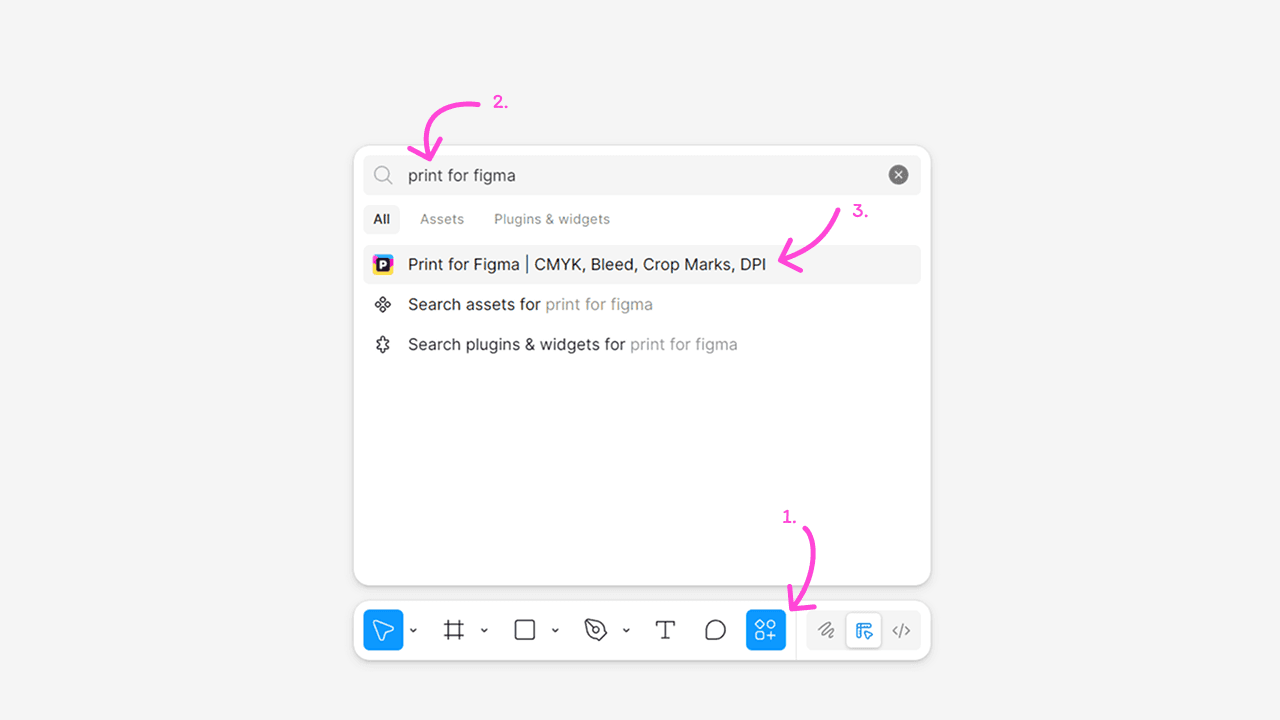
Install and run the Print for Figma plugin using the Actions menu (⌘+K / Ctrl+K).
Install Print for Figma
- Press
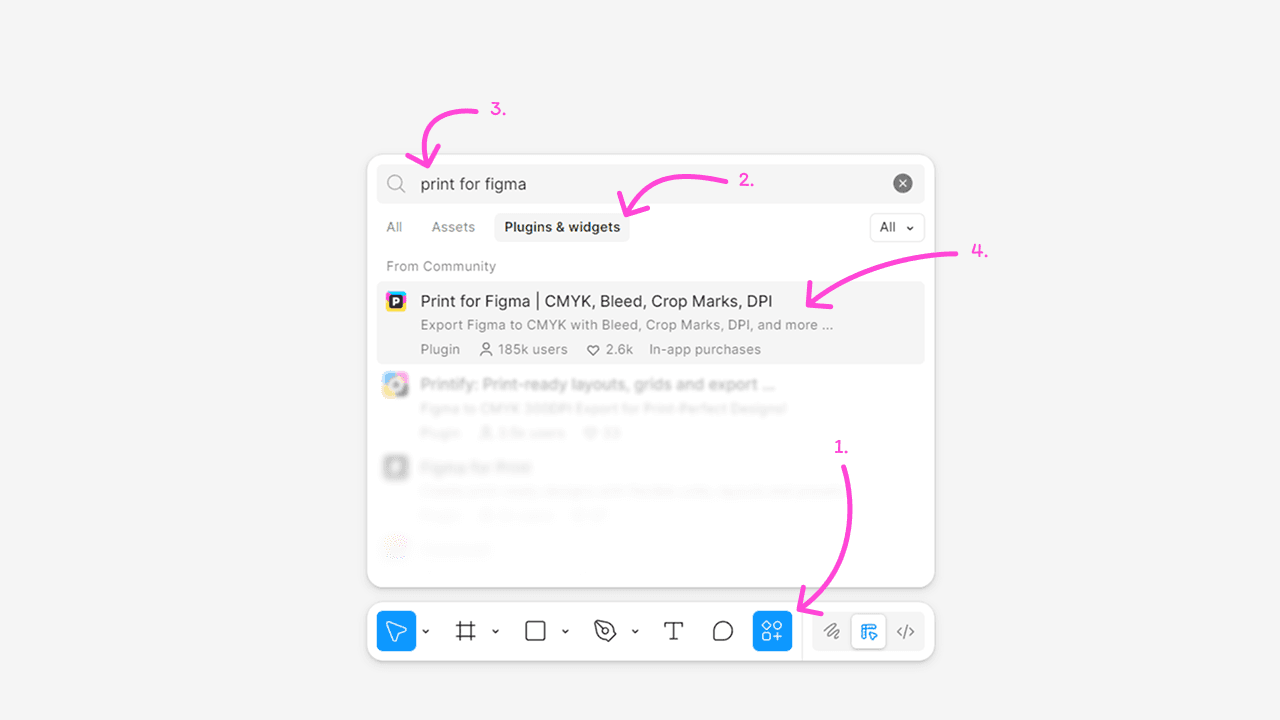
⌘+K(Mac) orCtrl+K(Windows). - Select the
Plugins and Widgetstab. - Type 'Print for Figma' in the search bar.
- Select the
Print for Figmaplugin from the list.
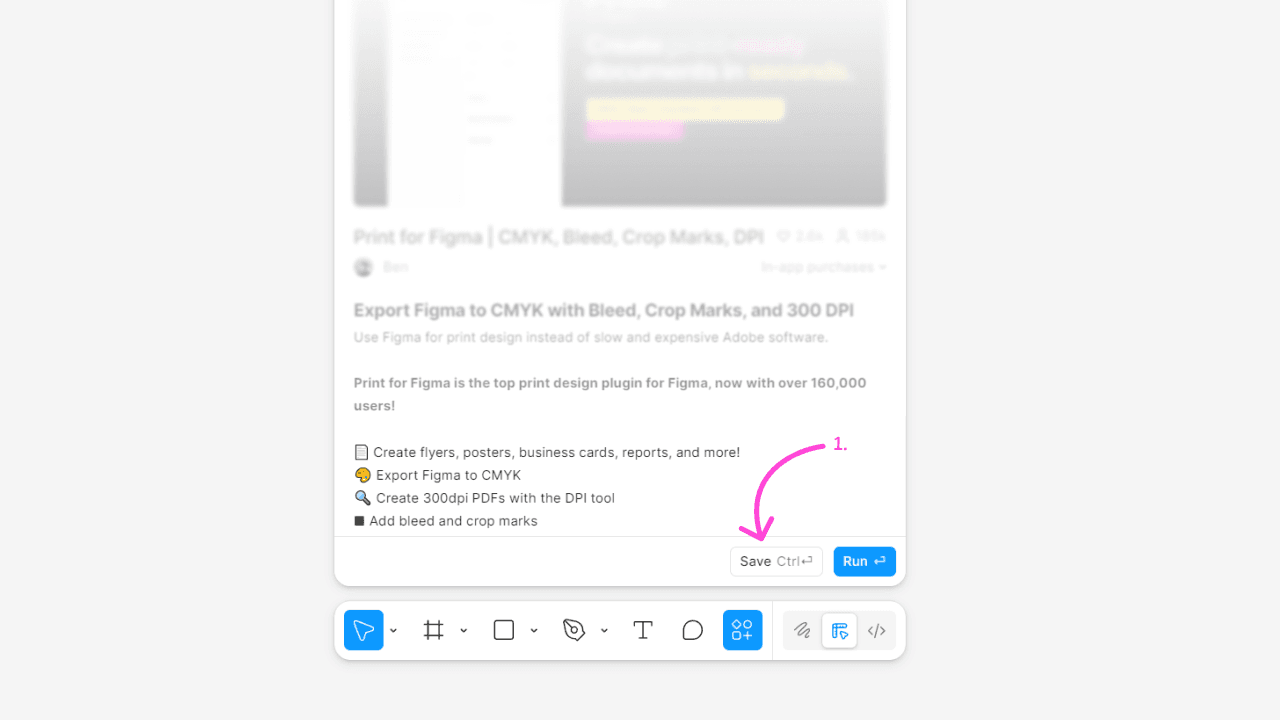
- To install (save) Print for Figma for quick access in the future, click the
Savebutton.
Run Print for Figma
Once Print for Figma is installed, you can run it from the Actions menu.
- Press
⌘+K(Mac) orCtrl+K(Windows). - Search for 'Print for Figma' in the search bar.
- Select the
Print for Figmaplugin from the list - the plugin will open in the current file.